




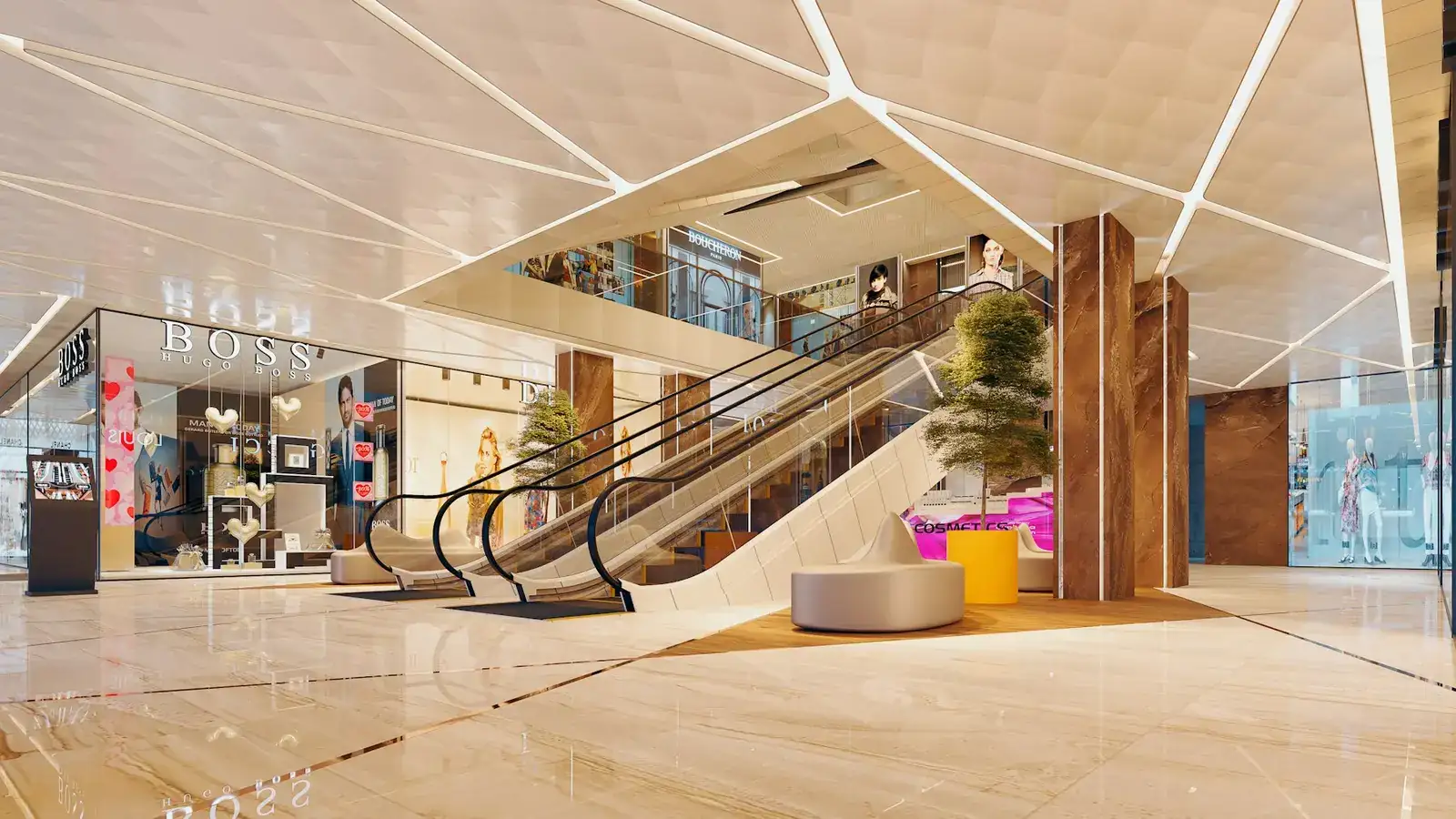
Queue monitoring and staff planning for tills, counters and service desks.
CamAI queue & staffing watches queue length and waiting time at your tills, counters and service desks on your existing cameras, alerts a supervisor when a line grows or a counter is left without staff, and sets visitors per hour against the staff you need.
Shorter waits start with knowing when.
Queue length and wait alerts
Set the length or the wait that counts as too long at each till or desk. The supervisor gets an alert with the clip.
Counter left without staff
An alert when a counter that should be open has nobody behind it for longer than you allow.
Visitors vs staff needed
Visitors per hour beside the staff needed for them, so the hours that run short show up.
Reports to plan shifts
Scheduled reports by hour and day of the week, for the managers who plan rotas and shifts.
Alerts for today, reports for next week’s rota.
Supervisors get the alert when a queue builds or a counter is left empty. Managers get the hour-by-hour picture to plan next week’s shifts. CamAI counts people; it does not identify staff or customers.
Visitors in, by hour
Tills and counters · now
- Till 1
- 6 waiting
- Till 2
- 2 waiting
- Service desk
- 4 min wait
- Counter 3
- No staff · 6 min
Illustration · sample data
Visitors against staff, today
| Hour | Visitors | Staff needed | On shift |
|---|---|---|---|
| 14:00 | 55 | 3 | 3 |
| 18:00 | 118 | 5 | 4 |
| 20:00 | 150 | 6 | 4 |
| 22:00 | 96 | 4 | 4 |
Illustration · sample data
What you need and how it starts.
01 · Cameras
Cameras over tills and counters
Existing IP cameras (RTSP or ONVIF) that see the queue area and the staff side of each counter.
02 · Pilot
Limits, counters and staffing set
We mark each queue and counter, set the length, wait and staffing you plan for, and who gets the alerts.
03 · Proposal
A written proposal
You see real alerts and hourly reports first. Then a written proposal; pricing is by quote.
Related solutions and sectors
Solutions
Sectors
- Retail & mallsFootfall, queues and after-hours alerts
- Restaurants, cafés & kitchensHygiene and uniform rules, queues
- Hospitals & clinicsWaiting areas, restricted stores, reception
- Hotels & hospitalityBack-of-house, reception queues, car parks
- Gyms, salons & laundriesPeak hours, counters, smoke near dryers
- Entertainment centresWristband entry, crowding, counters
Your video stays at your site
Usually analysed on a server at your premises. Camera video stays in your region. CamAI does not identify anyone.
Privacy and your dataStart with one site
A pilot on your own cameras and footage, so you see real alerts before you decide. Pricing is by quote.
How the pilot worksQueue & staffing, plain answers
About queues, counters and shift planning.
Can CamAI alert us when the queue is too long?
Yes. You set the length or the waiting time that counts as too long at each till, counter or service desk. When it is passed, the supervisor gets an alert with the camera, the time and the clip.
How does it know a counter has no staff?
During set-up we mark the staff side of each counter and its opening hours. If nobody is there for longer than you allow, an alert goes out. It does not identify who is on duty.
Does CamAI make our rota?
No. It reports visitors per hour against the staff needed for them. Your managers use those reports to plan shifts.
Do we need new cameras?
Usually not. CamAI works with IP cameras that stream over RTSP or ONVIF. We check the view of each till and counter on the site visit.
Where is the video processed and stored?
Usually on a CamAI server installed at your site, so video is analysed where it is recorded and footage doesn’t need to go to the cloud. FRESME’s own servers for CamAI are in each region we serve.
Quick question? Ask Osama
Our AI assistant answers right away, in English or Arabic.
Catch the queue before it walks out.
Book a site visit. We look at your tills, counters and desks and plan the alerts with you.
What happens next
- 1Our team contacts you to arrange a visit to your site.
- 2We look at your cameras and agree the rules with your team.
- 3A pilot on a few of your cameras, then a written proposal.